Email campaigns
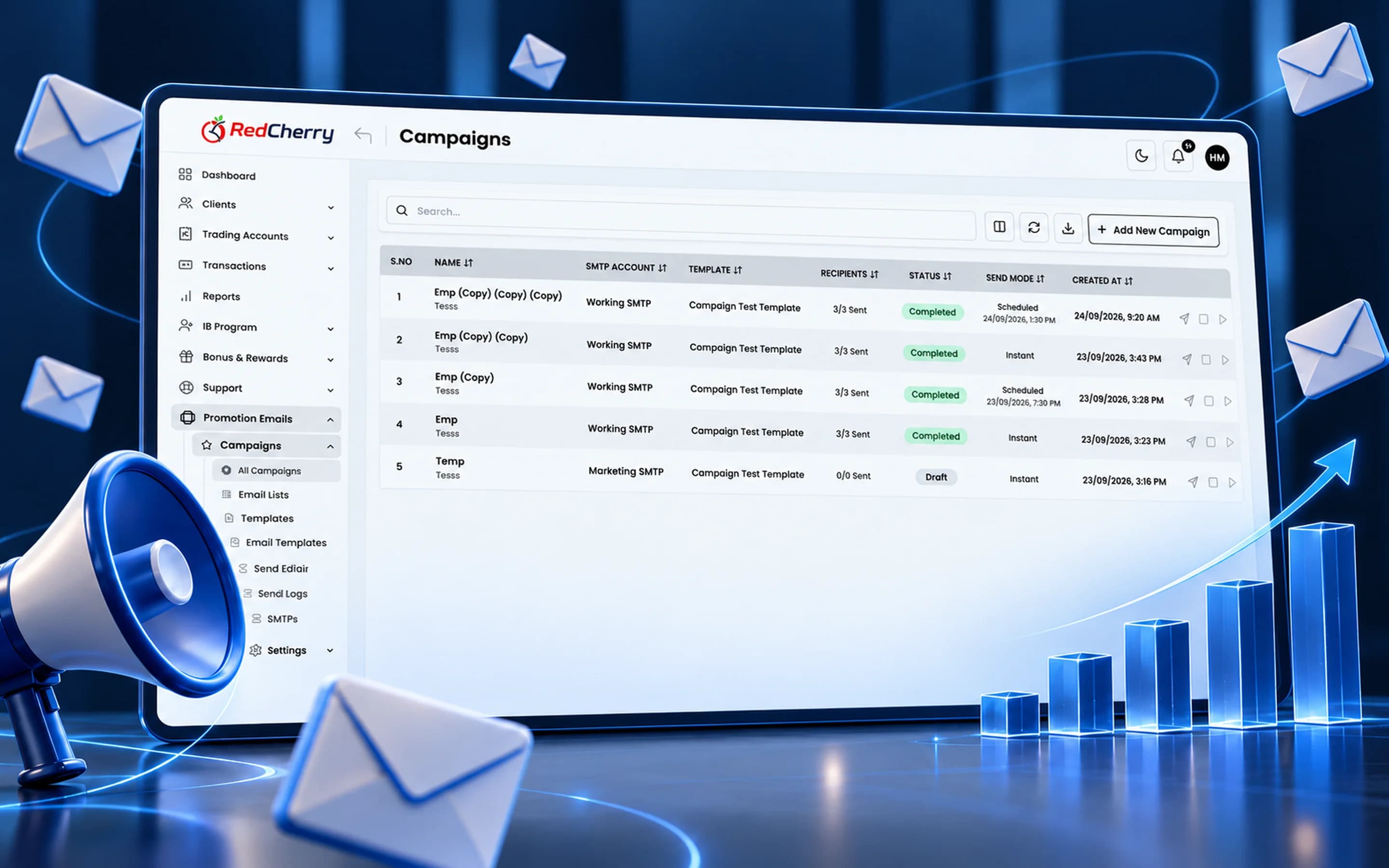
Create, schedule and send campaigns from the CRM.
RedCherry
Broker & Prop Firm CRM
Marketing
Build campaigns from your client data, segment who receives them and track how they perform, without exporting lists to another tool.
Customizable templates, client segmentation and promotional campaign management, measured with built-in analytics.
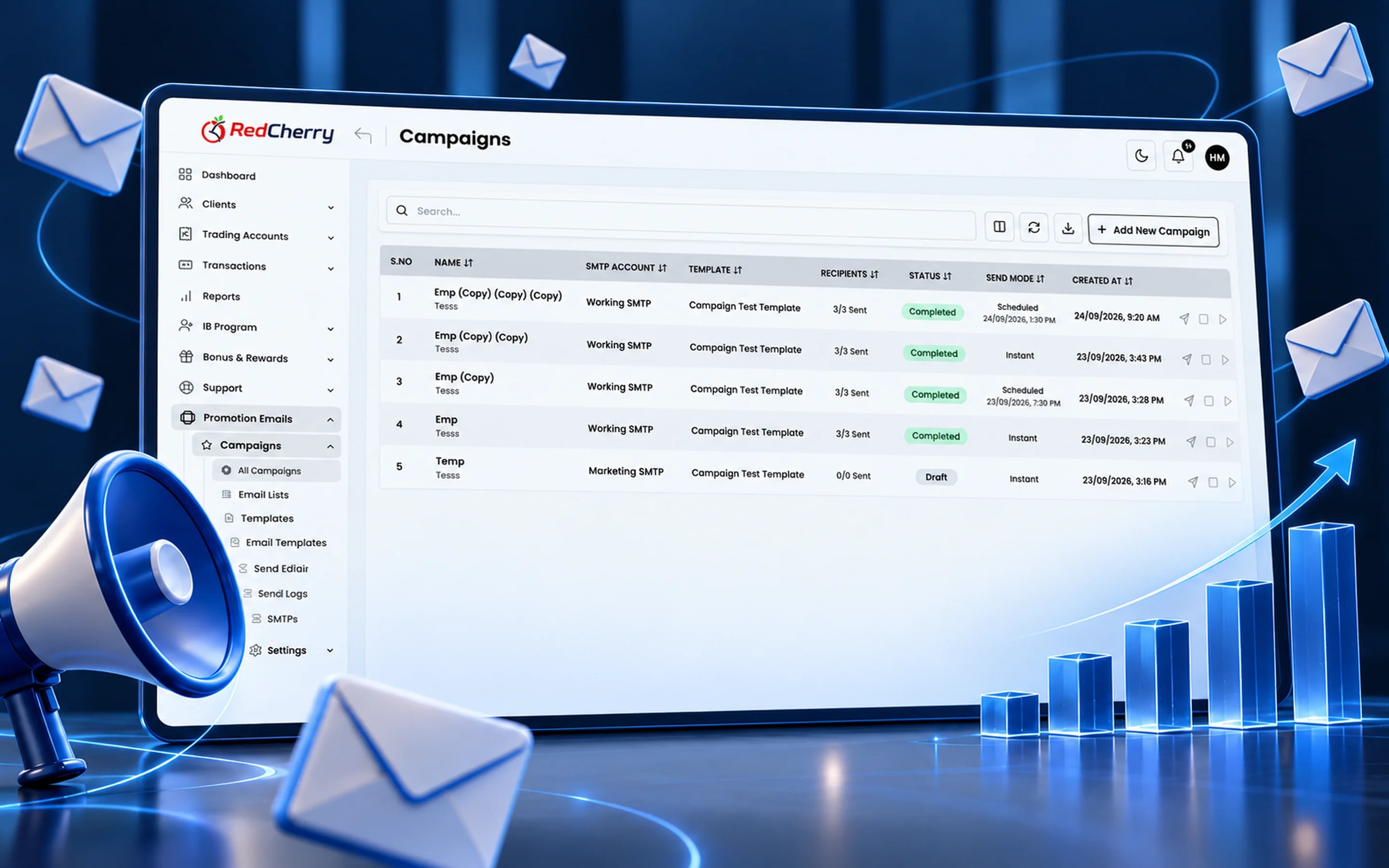
Create, schedule and send campaigns from the CRM.
Target messages by country, status, activity and more.
Schedule promotions and follow delivery, opens and clicks.
Exporting a client list to an email tool means stale data, unsubscribes that never make it back and no idea which campaign produced a deposit. RedCherry's marketing module sends campaigns from the CRM itself: segments are built from live client data, templates carry your brand, and delivery, opens and clicks are tracked back to each client profile.
Typical uses are a welcome sequence for new sign-ups, a nudge for registered clients who have not funded, a deposit bonus announcement to active traders in one region, and a win-back message to clients who have gone quiet. Each one starts from a segment, which can be as broad as a country or as specific as funded clients with no trades in 30 days.
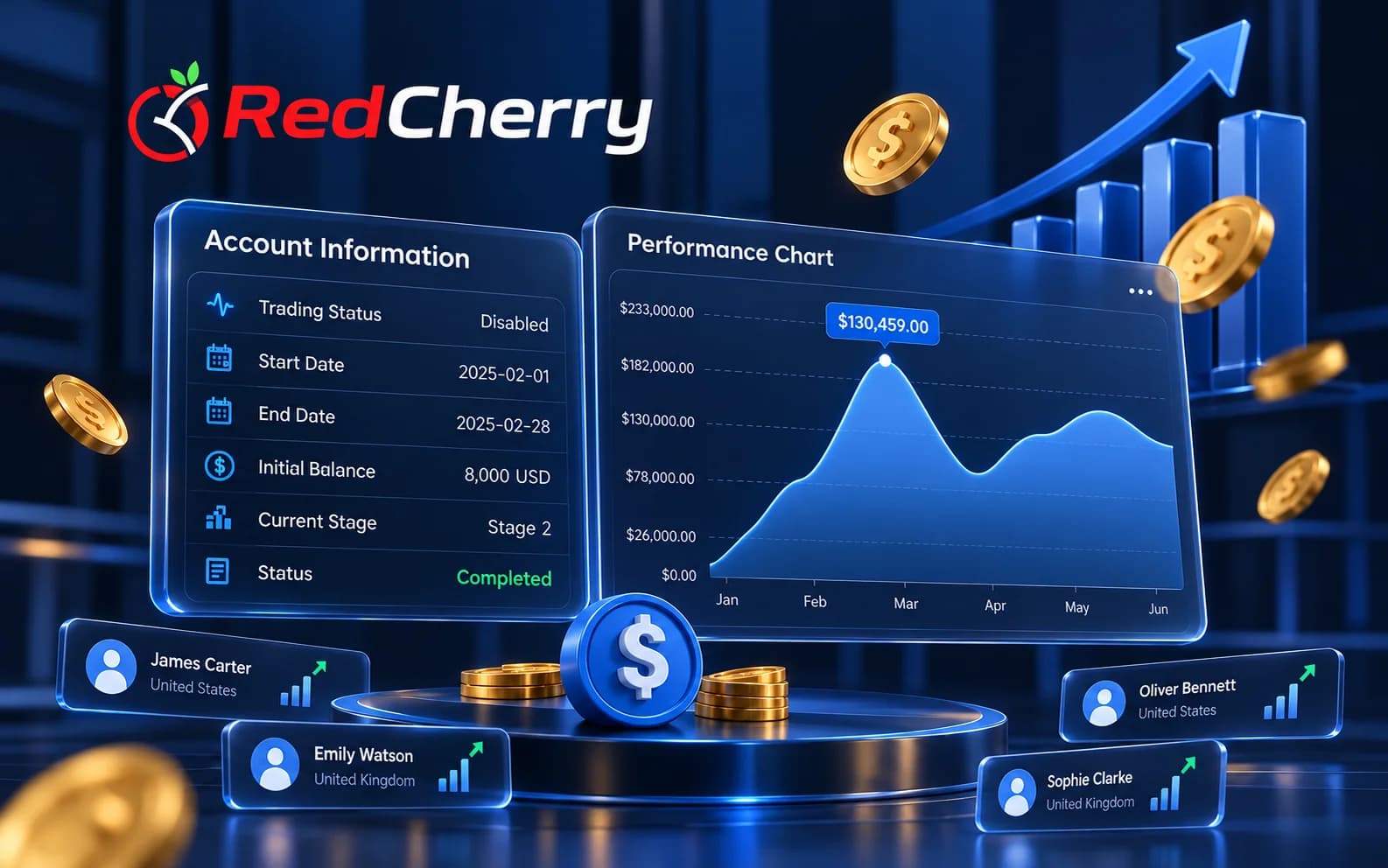
Three campaigns cover most of what a brokerage needs, and all three start from a live segment rather than an exported list:
Opens and clicks land on each client's profile, so the sales desk sees who engaged and management sees which campaign produced deposits in the reports.
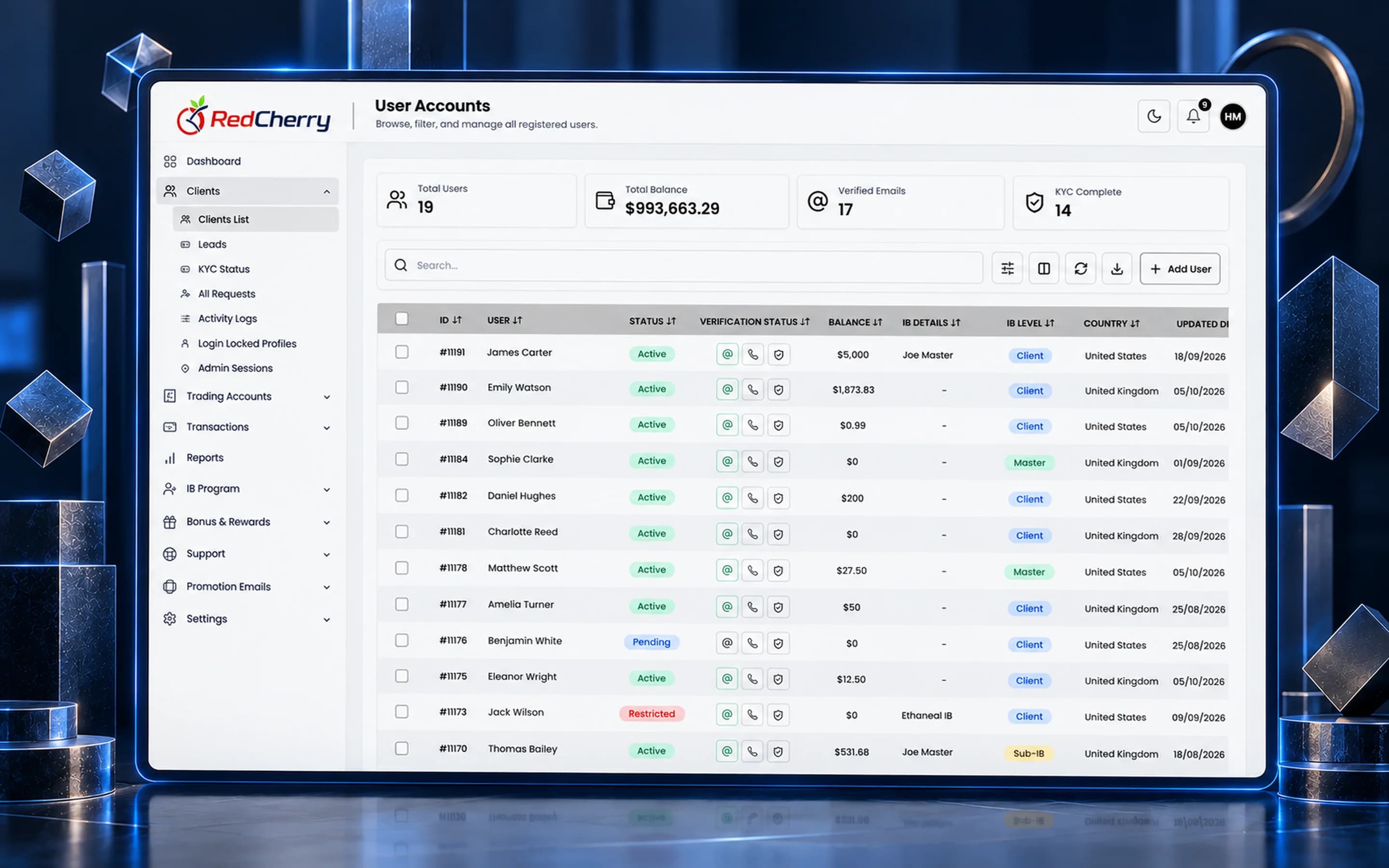
Campaigns go out through your own SMTP server or sending provider, so they come from your domain and build your sender reputation rather than a shared one. Unsubscribes are stored on the client record and respected by every later campaign, whichever segment it targets, so a client who opted out once is not mailed again by a different team. Templates carry your logo, colors and footer, and the same template can be reused across campaigns so every message looks like the brokerage that sent it.
Because segments can include or exclude countries, a promotion that is not allowed in one region does not have to reach clients there, and a campaign that names local payment methods only goes to the countries where they are switched on.
No. Campaigns are built, scheduled and sent from the CRM, using your own SMTP or sending provider.
From live client data: country, verification status, funding status, trading activity, IB and other fields, so a segment stays current without re-exporting.
Opens and clicks are recorded on each client's profile, so the sales desk and management can follow a campaign through to funding.
Yes. Templates use your logo, colors and copy, and can be reused across campaigns.
Scheduled campaigns and transactional emails are available now; automated multi-step workflows are coming soon.
Yes. Unsubscribe status is kept on the client record and respected by every campaign.
Client & lead management, scoring and segmentation
Explore CRM & Lead ManagementSign-up, deposit and recurring bonus programs
Explore Bonuses & RewardsReal-time dashboard and business analytics
Explore Reporting & AnalyticsHow brokers use automated KYC and onboarding workflows to get clients trading sooner.
Read the guideWhat to look for when adding PSPs for clients in a new region.
Read the guideSetting targets and risk rules that find skilled traders without scaring off new ones.
Read the guideWe will build a segment and send a test campaign with you.
Book a demo